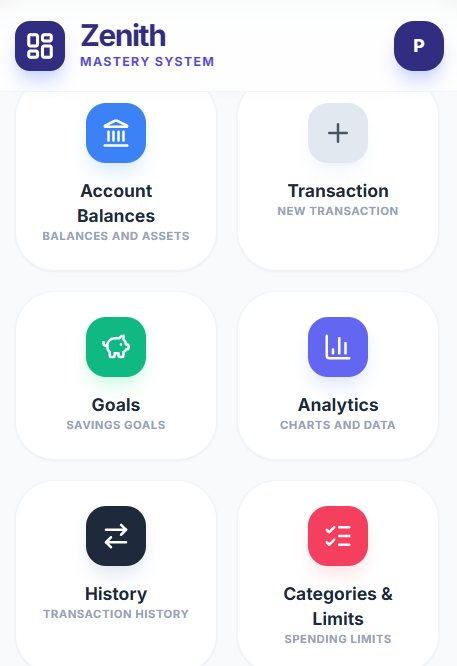
In the post below, we present how the Zenith Wallet section operates. See which tools will help you gain control over your finances, provided you spend a few moments entering your transactions. So, you are trading chaos for control.
Balances and Assets: The Full Picture
You start with the foundations. Here you add your accounts (bank, savings, investment) and cash in various currencies. This is not an automatic bank connection – for security and privacy reasons, you enter the current balance yourself. This gives you a single view of your entire net worth without logging into multiple institutions.
Entries and Operations: Speed and Precision
The data entry system is divided into three specific sections:
- Expenses and Income: You select the amount, category, and account. You can add a description to have clarity on the purpose of the transaction.
- Fixed Operations: You configure recurring payments (subscriptions, rent), and the system automatically records them on the designated day of the month.
- Transfers (ATM/Internal): A feature for moving funds, such as an ATM withdrawal, which maintains data integrity without artificially inflating expenses.